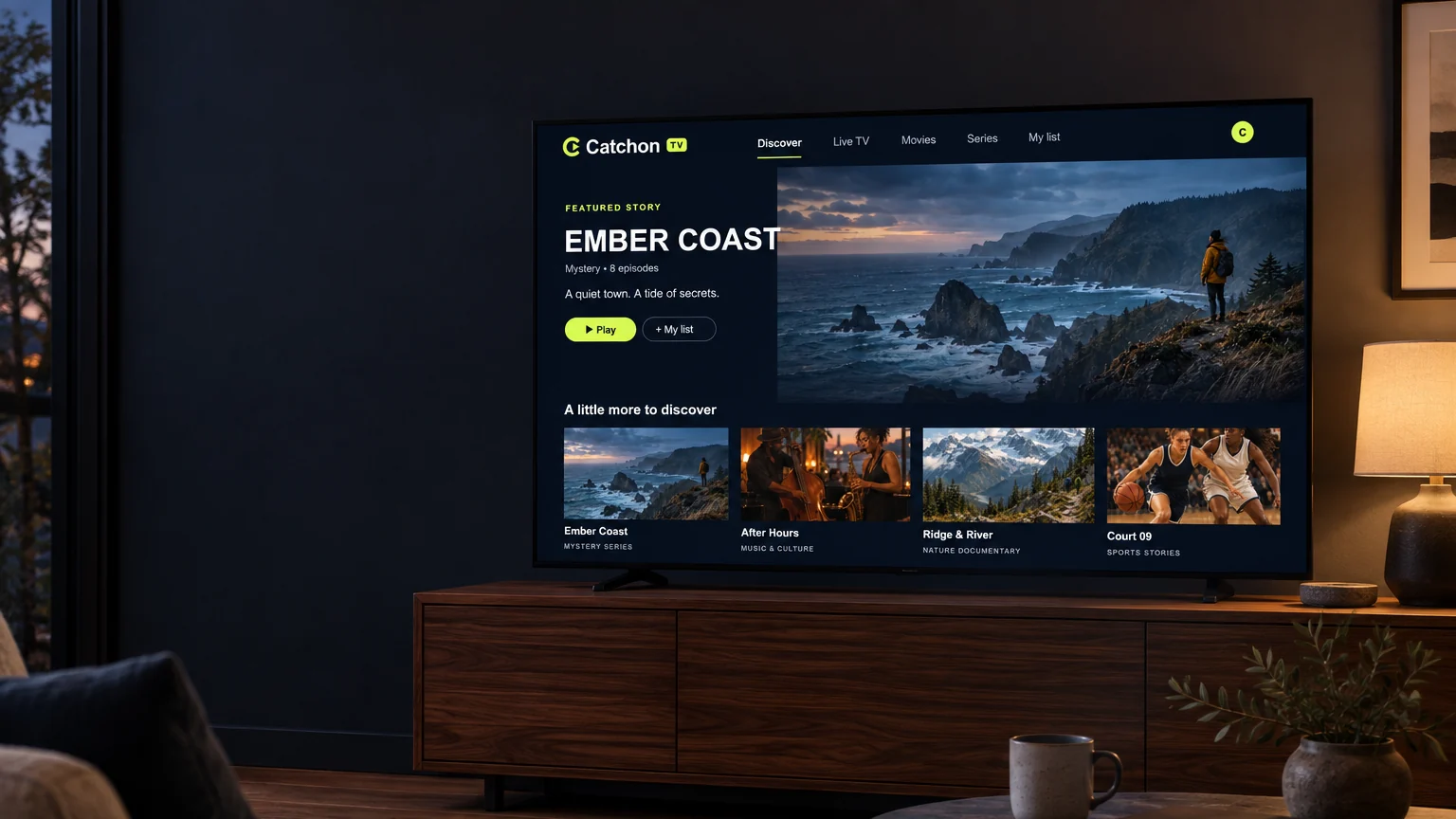
A television in a warmly lit living room showing original Catchon TV entertainment artwork.

Streaming over your own internet connection

Catchon TV — modern streaming for live TV and entertainment

Flexible subscriptions, the devices you already own, and setup guidance written in plain English. Compare the plans, check your device, and message the team if you want a hand choosing.

  • From $7.50 a month on a 12-month term
  • Works on Smart TV, Firestick, Android, Apple & more
  • Step-by-step setup guides for every device

What you are getting

Television that arrives down your broadband line

IPTV means Internet Protocol Television. Instead of a signal from a dish on the roof or a cable into the wall, the picture travels to your television as ordinary internet data — the same connection that already carries everything else in the house.

A Catchon TV subscription gives you a set of connection details. You install a compatible player app on the device you want to watch on, enter those details once, and the channel guide and on-demand library appear inside the app. There is no engineer visit, no new box in the hallway and nothing to drill into a wall.

If any of that sounds unfamiliar, the beginner’s guide walks through it slowly, and the installation guide covers each supported device with the screens you will actually see.

Two people relaxing on a sofa in front of a television showing original Catchon TV artwork.

Flexible plans

Choose your Catchon TV subscription

Every plan covers the same service on one connection. Longer terms cost less per month, and the per-month figure is worked out for you on each card.

How many devices need to stream at the same time?
1 Connection
2 Connections
3 Connections
4 Connections
5 Connections

One connection streams on one device at a time. Choose the number of people who need to watch different things at once — the more connections you take, the less each device costs per month.

1 Month

1 connection = 1 device

$25 USD

per month

2 connections = 2 devices

$39 USD

per month

$19.50 per device, per month

3 connections = 3 devices

$49 USD

per month

$16.33 per device, per month

4 connections = 4 devices

$59 USD

per month

$14.75 per device, per month

5 connections = 5 devices

$69 USD

per month

$13.80 per device, per month

  • 24,000+ live channels
  • 90,000+ movies & series
  • 4K Ultra HD where available
  • Anti-freeze streaming technology
  • EPG TV guide
  • 24/7 support
Enquire on WhatsApp

Opens WhatsApp with your plan already in the message.

3 Months

1 connection = 1 device

$45 USD

total for 3 months

Works out at $15 a month

2 connections = 2 devices

$69 USD

total for 3 months

$11.50 per device, per month

3 connections = 3 devices

$89 USD

total for 3 months

$9.89 per device, per month

4 connections = 4 devices

$109 USD

total for 3 months

$9.08 per device, per month

5 connections = 5 devices

$129 USD

total for 3 months

$8.60 per device, per month

  • 24,000+ live channels
  • 90,000+ movies & series
  • 4K Ultra HD where available
  • Anti-freeze streaming technology
  • EPG TV guide
  • 24/7 support
Enquire on WhatsApp

Opens WhatsApp with your plan already in the message.

6 Months

1 connection = 1 device

$65 USD

total for 6 months

Works out at $10.83 a month

2 connections = 2 devices

$99 USD

total for 6 months

$8.25 per device, per month

3 connections = 3 devices

$129 USD

total for 6 months

$7.17 per device, per month

4 connections = 4 devices

$159 USD

total for 6 months

$6.63 per device, per month

5 connections = 5 devices

$189 USD

total for 6 months

$6.30 per device, per month

  • 24,000+ live channels
  • 90,000+ movies & series
  • 4K Ultra HD where available
  • Anti-freeze streaming technology
  • EPG TV guide
  • 24/7 support
Enquire on WhatsApp

Opens WhatsApp with your plan already in the message.

All prices are shown in USD and are the total for the whole term, for the number of connections selected above. Subscription terms, what each plan includes and how content availability can vary are set out in the terms and conditions.

Why Catchon TV

Straightforward streaming, explained properly

No jargon and no small print hiding at the last step. Here is what the service actually gives you and what it asks of your setup.

Works with the devices you own

Smart TVs, streaming sticks, phones, tablets and computers are all supported through a compatible player app. There is no proprietary box to buy and nothing to install in your home.

Setup you only do once

Install a player, enter the details we send you, and the service is ready. Our guides cover each device step by step, with the screens you will actually see.

Terms that suit you

Choose a one, three, six or twelve month term. Longer terms cost less per month, and the per-month figure is shown on every plan so you can compare them honestly.

A direct line to the team

WhatsApp and telephone contact are on every page, before and after you subscribe. Ask about a device before you buy, or get help with a setting afterwards.

Straight answers on what you need

We publish the connection speeds each picture quality realistically needs, so you can check your broadband before you subscribe rather than after.

Pricing in plain sight

The price of every published plan is on the site, with the currency stated and no add-ons revealed at the last step. What you see is the whole figure for the term.

Channels & content

Everything grouped the way you actually watch

Live channels sit in a scheduled guide; films and series sit in a library you can search. Here are the categories you will find in both.

Live television

Scheduled channels laid out in a familiar guide, so you can browse what is on now and what is coming up next.

Movies

An on-demand film library you can search and sort, rather than waiting for something to come round on a schedule.

Series

Episodes grouped by season so you can pick up where you left off instead of hunting for the next one.

Sport

Live sport channels where they are part of your subscription. Fixtures and availability vary by package and region.

News

Rolling national and international news channels, useful if you want one place for headlines through the day.

Documentaries

Factual programming across history, nature, science and current affairs for slower evenings.

Kids & family

Family viewing gathered in its own category so it is quick to find without scrolling past everything else.

International

Channels in other languages, grouped by country, for households that want programming from home.

Which channels and titles are available depends on your subscription and your region. Ask us before you buy if there is something specific you want to watch, and we will tell you honestly whether it is included.

See what is included

On screen

Browsing, not hunting

A guide for what is on now, rows for what you might want next, and a search box when you already know. The same layout follows you from the television to your phone.

The Catchon TV Discover screen laid out with a featured banner and rows of artwork.
The same Catchon TV layout on a phone, with artwork stacked in a single column.
  • Original illustration: a lone traveller above a rugged coastline at dusk.

    Ember Coast

  • Original illustration: two basketball players during a game.

    Court 09

  • Original illustration: two jazz musicians performing in warm evening light.

    After Hours

  • Original illustration: two hikers beneath a snowy mountain ridge.

    Ridge & River

The screens and artwork above are original illustrations made for this website to show how the interface is arranged. They are not screenshots of a live catalogue and the titles shown are not real programmes.

Compatible devices

Use the screens you already have

Each device needs a compatible IPTV player app, installed from its own app store. Pick your device below for the setup steps that match it.

Smart TVs

Samsung, LG and other smart TVs stream through a compatible player app installed from the television’s own app store. No extra box needed on most recent models.

Setup guide for Smart TVs

Amazon Fire TV & Firestick

Fire TV Stick, Fire TV Cube and Fire TV built into a television. A compatible player is installed from the Amazon Appstore, then set up once with your subscription details.

Setup guide for Amazon Fire TV & Firestick

Apple TV

Apple TV 4K and Apple TV HD use a player downloaded from the App Store. Setup follows the same pattern as every other device.

Setup guide for Apple TV

iPhone & iPad

iOS and iPadOS work through a player app from the App Store, with AirPlay available to send a stream to a compatible television.

Setup guide for iPhone & iPad

Windows & Mac

Desktop and laptop computers stream through a compatible desktop player. Useful for testing a connection quickly when a television is not to hand.

Setup guide for Windows & Mac

Not sure whether your television is recent enough, or which player to install? Send us the make and model and we will tell you before you subscribe.

All compatible devices

How to get started

From choosing a plan to watching, in five steps

This is the whole process. Nothing is hidden behind a login and there is no hardware to wait for in the post.

  1. Choose your plan

    Pick the term that suits you. Each card shows the total for the term and what that works out at per month.

  2. Place your order or message the team

    Send your choice through WhatsApp or call us. Tell us which device you plan to watch on so we can send the right instructions.

  3. Receive your setup details

    Once your order is confirmed we send the connection details your player app needs, along with the steps for your device.

  4. Set up your device

    Install a compatible player from your device’s app store and enter the details once. Our guides cover each supported device.

  5. Start watching

    Open the player and browse the guide and library. If anything looks wrong at this stage, message us and we will check the setup with you.

A television, a tablet and a phone showing original Catchon TV artwork.

Streaming experience

What your connection needs to keep up

Picture quality depends on the source, your hardware and your connection. These are realistic figures per stream, not best-case numbers.

  • Standard definition around 5 Mbps

    Comfortable on most broadband connections, including older Wi-Fi.

  • High definition around 10 Mbps

    The usual choice for a living-room television on a modern connection.

  • 4K Ultra HD around 25 Mbps

    Needs a stable connection and a 4K-capable television and player.

Stability matters more than headline speed. A wired connection, or 5 GHz Wi-Fi near the router, holds up better than a fast plan with a weak signal. We cannot promise uninterrupted playback — no service delivered over the public internet can — but we can help you rule out the causes we can see.

Customer support

Talk to someone before you commit

Most questions are quicker to answer in a two-minute conversation than by reading a page. Ask about a device, a plan, a payment or a picture that keeps stopping.

  • Help choosing between the subscription terms
  • Setting up a player on your particular device
  • Questions about your account or renewal
  • Working through buffering or playback problems
  • Payment and billing enquiries
  • WhatsApp

    The quickest route. Your message opens ready to send, so you only have to press the button.

    Open a WhatsApp chat
  • Telephone

    Prefer to talk it through? Call the team on the number below.

    +44 7868 240819
  • Self-service guides

    Setup walkthroughs and troubleshooting steps you can follow at your own pace.

    Visit the support centre

Questions

Frequently asked questions

The things people ask most often before they subscribe. If yours is not here, message the team and we will answer it.

What is Catchon TV?

Catchon TV is a subscription streaming service delivered over your internet connection. Instead of a satellite dish or a cable box, you sign in on a device you already own — a smart TV, a streaming stick, a phone, a tablet or a computer — and watch through a compatible player app.

How does an IPTV subscription work?

IPTV stands for Internet Protocol Television. Video is sent to your device as internet data rather than as a broadcast signal. When your subscription is set up you receive the details your player app needs, you enter them once, and your channels and library load over your existing broadband or Wi-Fi connection.

Which devices can I use?

The service is designed for common streaming hardware: smart TVs, Amazon Fire TV devices, Android TV and Google TV boxes, Apple TV, Android phones and tablets, iPhone and iPad, and Windows or Mac computers. Each device needs a compatible IPTV player app — see the installation guide for the steps that match your hardware.

How do I install a compatible IPTV player?

Install the player app from your device’s own app store, open it, and enter the connection details supplied with your subscription. Our installation guide walks through each supported device in order, with the screens you will see along the way. If a step does not match your device, message the team and we will talk you through it.

Can I use one subscription on several devices?

One connection streams on one device at a time. If two people need to watch different things at the same time, you need more than one connection. Subscriptions are sold for one to five connections, and the price for each is shown on the plans — use the selector above the cards to switch between them. The more connections you take, the less each device costs per month.

What internet connection do I need?

As a general guide, allow roughly 5 Mbps for standard definition, 10 Mbps for HD and around 25 Mbps for 4K, per stream. A stable connection matters more than a fast one: a wired Ethernet connection, or 5 GHz Wi-Fi close to the router, gives steadier playback than a weak signal on a fast plan.

Ready to explore Catchon TV?

Browse the available subscription options, or contact the team for help choosing a plan and setting up your device.

Chat on WhatsApp (opens WhatsApp in a new tab)